 Barcode Scanner to CSV
Barcode Scanner to CSV
Stocktake & Inventory Count
Barcode Scanner to CSV is a free iPhone app that scans barcodes and QR codes continuously, counts quantities, and exports the list as a CSV file for Excel, Numbers or Google Sheets. No ads, no account, and your scans stay on your device.
Download free on the App Store
At a glance
| Price | Free (no in-app purchases) |
|---|---|
| Ads | None |
| Account | Not required |
| Device | iPhone (iOS 18.0 or later) |
| Languages | English, Japanese |
| Where data is stored | On your iPhone only (never uploaded) |
| Offline | Scanning, counting and CSV export work without a connection |
| Export format | CSV (UTF-8 with BOM, opens cleanly in Excel) |
| Latest version | 1.9.0 |
Features
Continuous scanning
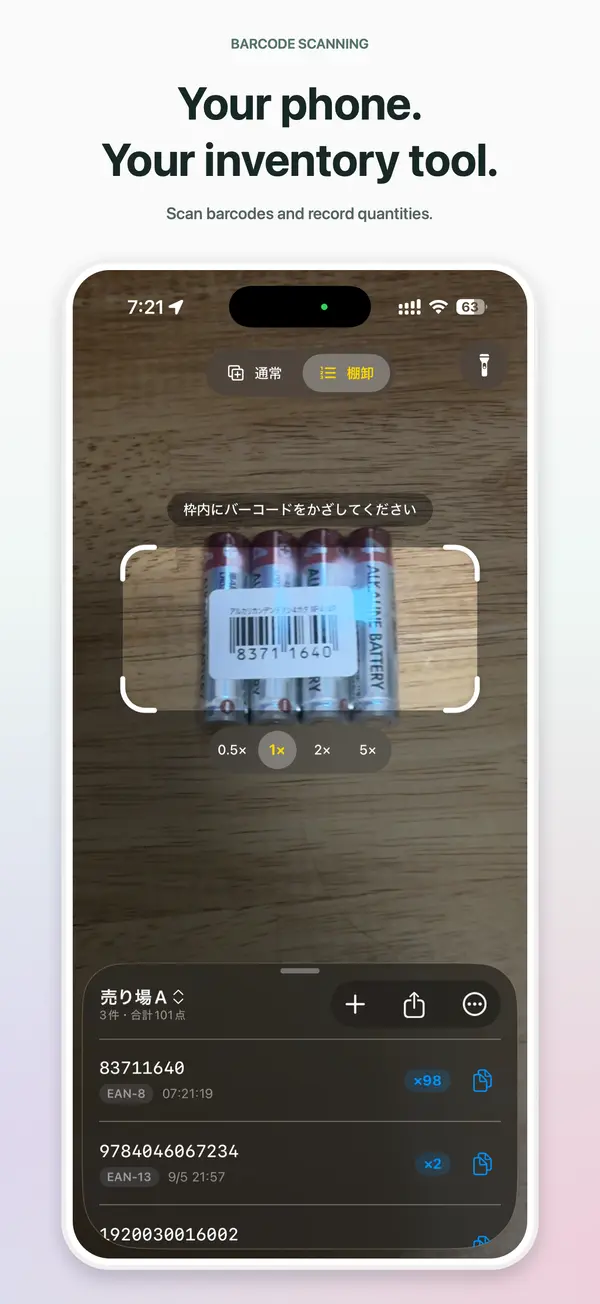
Point the camera and barcodes and QR codes are recognized automatically and added to your list — no button to press.
Count mode
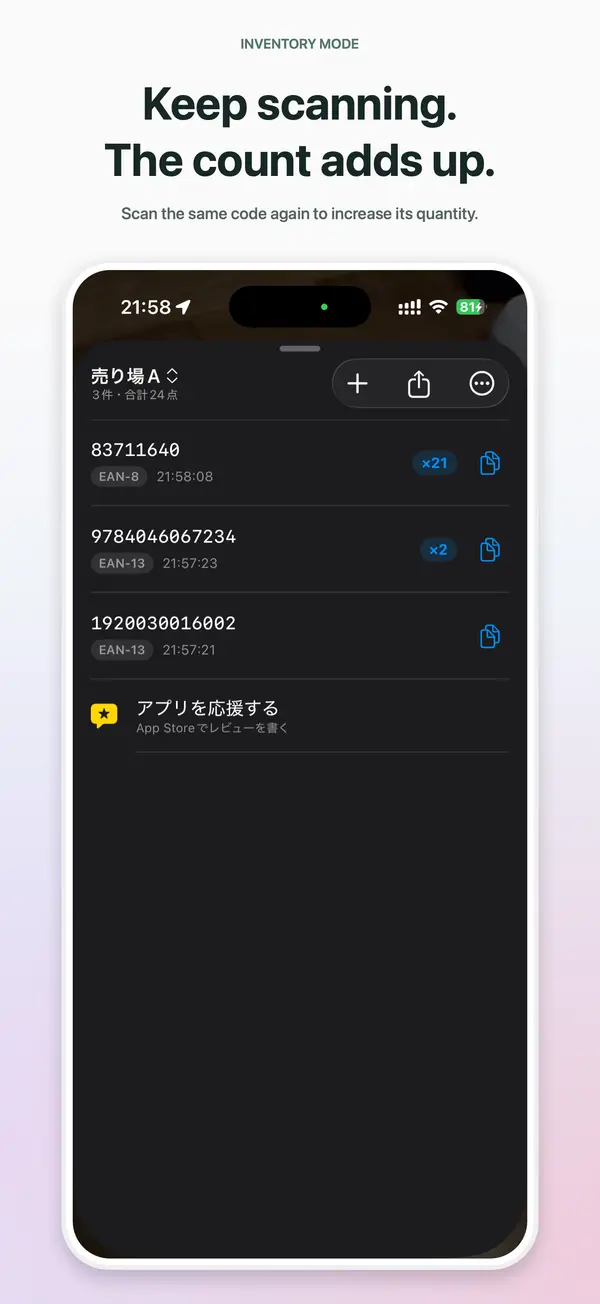
Scan the same code again and its quantity goes up instead of adding a new row. Counting stock becomes the record itself.
Export to CSV
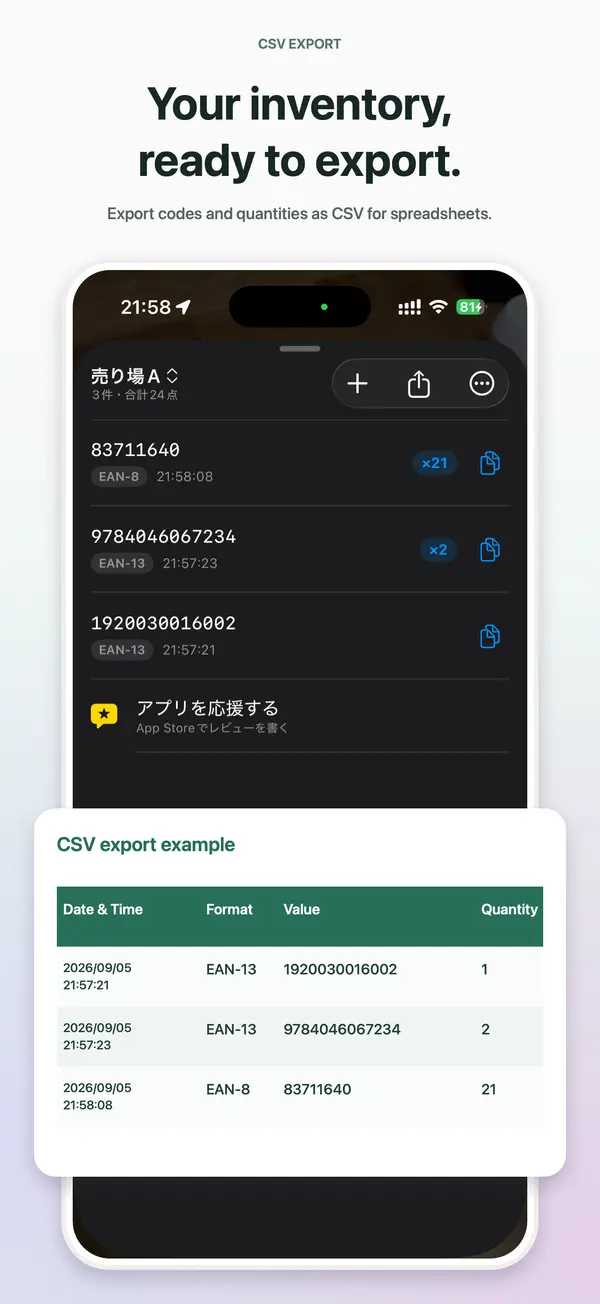
Share the list as a CSV file by Mail, AirDrop, Files and more. Columns: date & time, format, value, quantity — plus optional operator and location columns.
Folders
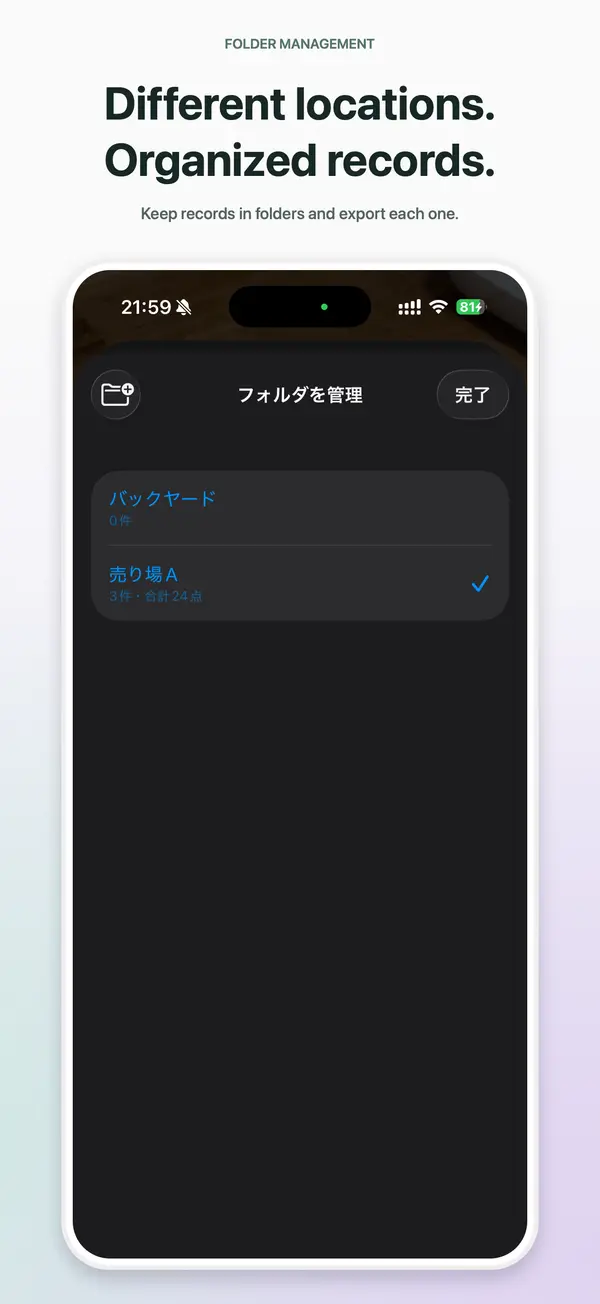
Keep separate lists per aisle, shelf, room or job, and export each folder on its own.
No double counts
Adjustable scan interval (0.2–3 seconds) with an on-screen countdown before the next scan.
Dark rooms and far shelves
Flashlight with brightness control, 0.5×/1×/2× zoom (device dependent) and pinch to zoom.
Front camera support
Scan an item in your hand while looking at the screen, without flipping the phone.
Sound and haptics
Adjust vibration strength and beep volume, or turn them off.
Act on any value
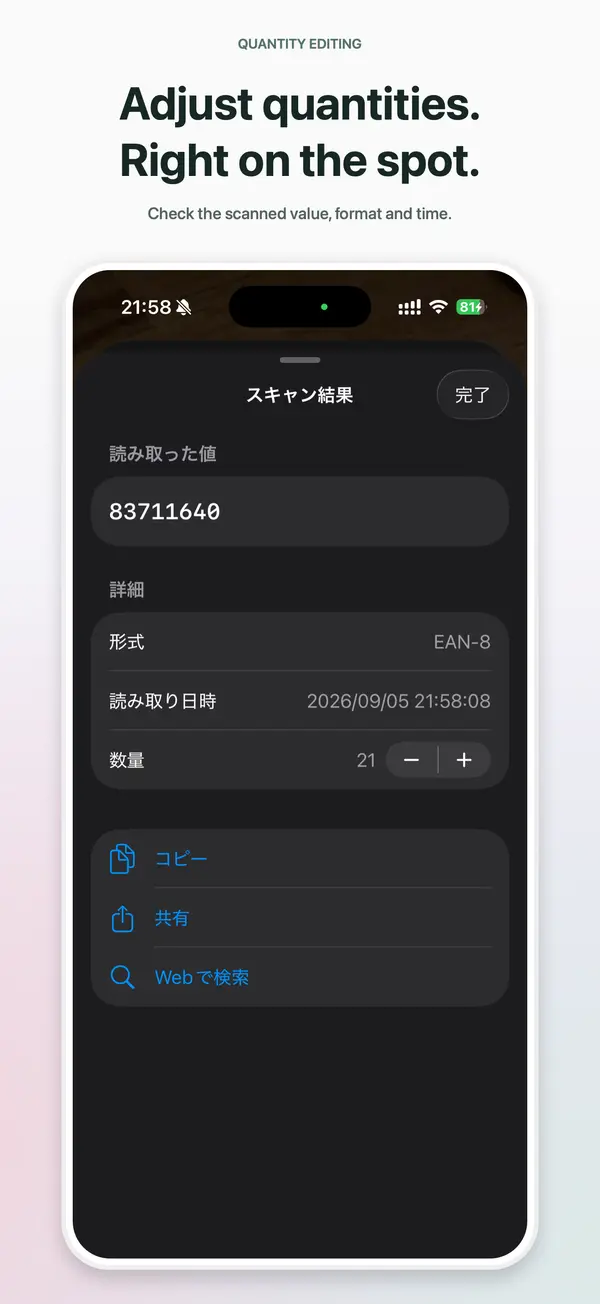
Copy, share, open links or search the web in one tap. Type in codes that will not scan and fix quantities later.
How it works
- Open the app and choose Normal or Count mode at the top of the screen.
- Point the camera at a barcode or QR code. It is scanned and added to your list automatically.
- Tap the share button on the list to export a CSV file and open it in Excel, Numbers or Google Sheets.
Sample CSV
| Date & Time | Format | Value | Quantity |
|---|---|---|---|
| 2026/09/05 21:57:21 | EAN-13 | 1920030016002 | 1 |
| 2026/09/05 21:57:23 | EAN-13 | 9784046067234 | 2 |
| 2026/09/05 21:58:08 | EAN-8 | 83711640 | 21 |
Good for
Stocktakes and cycle counts
Count stock in shops, warehouses and offices by scanning — one folder per aisle, exported as CSV.
Receiving and picking
Scan incoming goods and get a list with quantities.
Event check-in
Scan QR tickets one after another and keep an attendance list.
Libraries and asset tracking
Scan ISBNs or asset tags into a spreadsheet.
Reading a code
See what a barcode or QR code contains, together with its format (EAN-13, QR, …).
Supported code types
Retail barcodes (EAN/UPC), ISBN book codes, logistics codes (ITF-14, GS1) and QR codes.
- QR
- Micro QR
- EAN-13 (JAN)
- EAN-8
- UPC-E
- Code 128
- Code 39
- Code 39 Mod 43
- Code 93
- ITF-14
- Interleaved 2 of 5
- Codabar (NW-7)
- GS1 DataBar
- GS1 DataBar Expanded
- GS1 DataBar Limited
- PDF417
- Micro PDF417
- Data Matrix
- Aztec
What it does not do
- Look up product names or prices (it reads the code value; use “Search the Web” to look it up)
- Match against an inventory database, sync to the cloud, or share a list across devices
- Android or an iPad-optimized layout (it is an iPhone app)
For businesses
Available for bulk purchase and distribution through Apple Business Manager. No accounts or servers are needed, so it can be deployed to many iPhones as is.
FAQ
Is it free? Are there ads?
It is completely free. There are no ads, no in-app purchases and no account.
Which barcode types can it read?
19 types, including EAN-13, EAN-8, UPC-E, Code 128, Code 39, Code 93, ITF-14, Codabar, GS1 DataBar, QR, Micro QR, PDF417, Data Matrix and Aztec.
Can I get my scans into Excel?
Yes. Tap the share button on the list to export a CSV file and open it in Excel. It is UTF-8 with BOM, so it opens cleanly. Numbers and Google Sheets work too.
Does the quantity go up when I scan the same item again?
In Count mode, yes — each scan of the same code adds 1 to that row. In Normal mode every scan is a new row.
Does it show product names or prices?
No. It reads the code value and format. Use “Search the Web” on the detail screen to look a value up.
Is my data sent anywhere?
No. Everything is stored on your iPhone only. Deleting the app deletes the data.